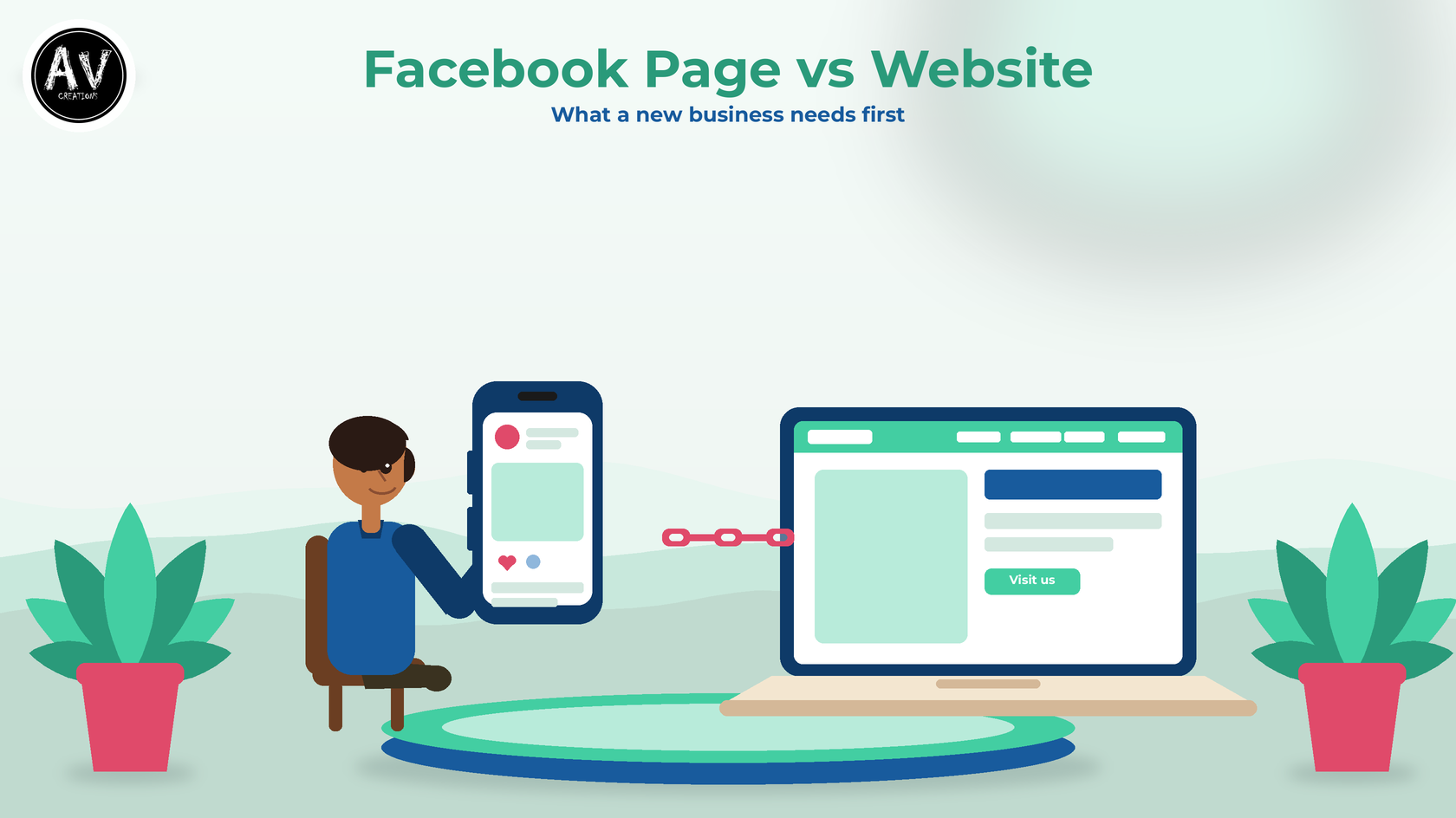
If you are starting a small business in Sri Lanka, you have probably heard both sides of the Facebook page vs website argument. One friend says a Facebook page is enough. Another says you are not a real business without a website. Both have a point. This guide explains what each one does well, where each one falls short, and how to decide which to set up first.
We build websites for SMEs and new businesses, so we lean towards websites. We have tried to be fair in this Facebook page vs website comparison. This is general advice, not a promise of sales or search rankings.
What a Facebook page does well
A Facebook page is quick to start, and you can set one up without a developer. Facebook has a help guide to creating a Facebook Page. If your customers already spend time on Facebook, a page lets you post photos, share news and answer messages where they already are.
For a brand-new business, that speed matters. You can show your products, give your phone number and start talking to customers this week. Platform features and rules change from time to time, so check Facebook's own help pages for what a page can do today.
Where the Facebook page vs website choice gets harder
A page is useful, but it has limits. In the Facebook page vs website decision, these limits matter more as your business grows.
- You do not control the platform. Layout, rules and features are decided by someone else and can change. If you lose access to the account that manages your page, you may lose your main online presence. Keep more than one trusted admin and write down who they are.
- Every page looks the same. It is hard to present a full list of services, your process, policies and contact details in a clear, branded way.
- Search is a different game. A website is something you can set up so that search engines understand it. Google's SEO Starter Guide explains how, and also says you should wait a few weeks to judge whether your changes helped. Nobody can promise a position on Google.
- Not everyone starts on Facebook. Some customers search on Google first, or get your website link from a friend or a business card.
What a website gives you
A website is a home that you own and control. In the Facebook page vs website comparison, these are the strongest points for a website:
- Your own address. A domain name such as yourbusiness.lk is yours to use on cards, invoices and email.
- Clear structure. You choose the pages: Home, About, Services or Products, and Contact.
- One place for lasting information. Services, policies and contact details stay in one tidy place instead of being buried in old posts.
- A contact form you control. Enquiries come to you directly.
- A link for your other profiles. Your Google profile can point to it. Google's eligibility guidelines say the phone number and website on a Business Profile should be the business's single, authoritative phone number and website.
Our About page describes our focus: helping SMEs and new businesses get professional websites that are good value for money.
Facebook page vs website: which to set up first
Use this simple guide.
Start with a Facebook page if:
- you are still testing your idea and want to start talking to customers quickly
- your budget is very small this month
- your customers mostly order by sending a message
Put a website first if:
- customers need details before they buy, such as services, process or policies
- you want enquiries through a contact form
- you plan to sell online with a proper shop
- you work with companies or larger clients who expect a professional website
- you want people to find you through Google
For most businesses, the honest answer in the Facebook page vs website question is both, connected. The page is where you talk to people. The website is where you explain and prove who you are.
How to make them work together
Once you have both, the Facebook page vs website question becomes how to connect them.
- Use the same details everywhere. Business name, logo, phone number and address should match on your page and website.
- Link both ways. Put your website link in your page details, and add your Facebook link to your website's contact page or footer.
- Keep lasting information on the website. Use Facebook for quick news and offers, and the website for services, policies and contact details.
- Update both together. When your hours, phone number or offer changes, change it in both places on the same day.
- Keep your own copies. Store your logo, photos and text in your own folder, not only on a social platform.
Mistakes to avoid in the Facebook page vs website decision
- Treating the page as your only copy. Back up your photos, text and customer details yourself.
- Leaving a website half-finished. A site with placeholder text or a "coming soon" page can look worse than no site. Launch with fewer pages that are complete.
- Using different phone numbers. Customers lose trust when the page and website disagree.
- Copying other people's photos. Use your own images or images you have permission to use.
- Expecting overnight results. A new website takes time to be found, and Google does not promise any ranking.
A small-budget path for a new business
If money is tight, you do not need a large website on day one. A small site with a home page, a services page and a contact page is a good start. Add pages later as the business grows.
For the Facebook page vs website decision, a sensible order is: open the page, collect your logo, photos and text, then build a small website and link the two. Our services page lists what we can build, including custom website design and e-commerce solutions.
Need help choosing?
AV Creations is based in Kadawatha, at 164/2/i Kandy Road. If you are weighing up a Facebook page vs website for your business, contact us or call +94 77 958 7751. Tell us about your business and your budget, and we will explain the options in plain language. You can also see the kinds of websites we have built on our portfolio page.
This article was first published on AV Creations: Facebook Page vs Website: What a New Sri Lankan Business Needs First.

Comments
Post a Comment